Decision 01
Make giving recognition a few taps
- Problem
- Effort kills the habit.
- Evidence
- Common engagement pattern.
- Decision
- Short flow with sensible defaults.
- Trade-off
- Less room for long messages.
- Validation
- Track recognitions given per user.
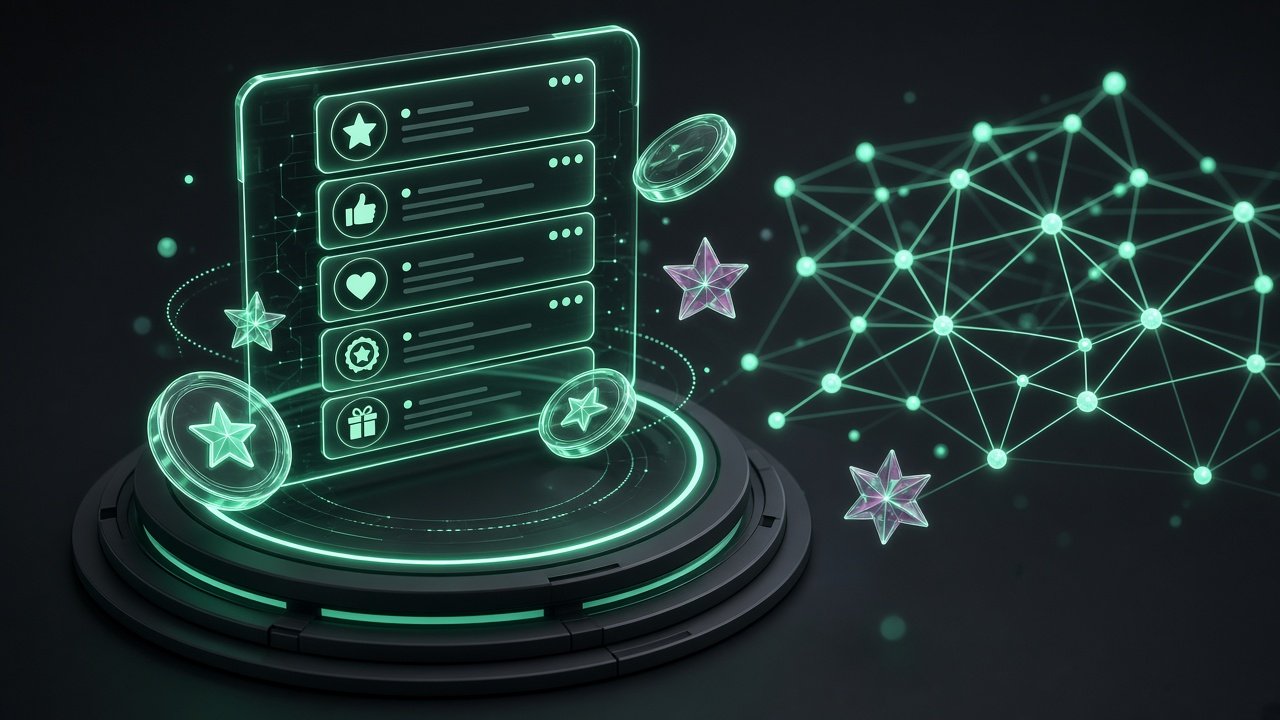
Architected UX strategy for Rewards & Recognition alongside HRMS, Wellness, Hobby Club, Onboarding, and Sales Incentives.
Led the UX team across multiple product lines.
Challenge: Multiple product lines sharing one design organization
Solution: A single UX strategy with designers aligned to product lines and engineering sprints.
Design direction for a core line of the employee-experience platform.
At a glance
My role
Design leadership across product lines
Timeline
Dec 2022 to Present
Employee recognition
Key decision
Short flow with sensible defaults.
Evidence on this page
2 built, 0 provisional, 0 illustrative, 0 planned
Each outcome below is labeled.
// The problem
How to read this page: the outcomes marked Built are results I can stand behind. Personas, decisions and the problem framing are my design reasoning for this product and are not interview findings. Measured numbers are added only where I hold them.
Rewards and Recognition is a core line in the employee experience platform. It touches every employee, which makes consistency and clarity more important than any one feature.
If giving praise takes effort, people stop doing it.
Friction at redemption undoes the goodwill of recognition.
Designers across product lines needed a shared direction.
// Strategy
KPIs are what the product is built to move. They are targets until a measured result is shown.
Recognition that takes seconds to give and rewards that are easy to use, built on one shared design language.
| Business problem | Product capability | KPI | Intended outcome |
|---|---|---|---|
| Effort to give recognition | Fast give flow | Recognitions per active user | Culture of appreciation |
| Redemption friction | Simple reward catalogue and checkout | Redemption completion | Value felt |
| Design inconsistency | Shared design system | Component reuse | Faster, coherent delivery |
// Users
Provisional personas, derived from the workflow and the roles involved. They are not interview findings.
Give and receive appreciation
Run a recognition programme
Recognise team members
// Capabilities
A capability map of what the product is designed to do. It describes design scope, not a feature audit.
A short flow to appreciate a colleague.
A visible stream of appreciation across the company.
Recognition can earn points redeemable for rewards.
Browse and redeem from a catalogue.
Managers and HR control recognition budgets.
Themed recognition for events and values.
Who is giving, who is receiving and what is redeemed.
Consistent patterns across the suite.
// Scenarios
An employee thanks a teammate in three taps and it appears in the feed.
Someone with enough points browses the catalogue and redeems in a few steps.
HR sees recognition volume by team and spots a team that is not being recognised.
// Process
Stage 01 of 5
A single UX strategy across product lines, with designers aligned to each line.
// Design decisions
Each decision is written the same way so the reasoning can be checked.
Decision 01
Decision 02
Decision 03
// Evidence from the company site
Source: advantageclub.in, checked 8 Oct 2026. Company claims, paraphrased. Not my measured results.
// AI in the process
This describes the method my team uses. It is not a measured result.
AI at Advantage Club is part of how my team decides what to design next. We use it to read the data, turn it into a usability and engagement report, and write clear design instructions. Designers then use generative tools to produce reference pages and refine them by hand in Figma.
For Rewards & Recognition the report looks at who gives and receives recognition, how often the feed is opened, and where the redemption flow loses people.
Step 1 · AI analysis
Usage and engagement exports are analyzed to find drop-offs, unused features and unusual patterns.
Step 2 · Perplexity
Data sanity checks and secondary research. Numbers and claims are verified before they go into a report.
Step 3 · AI-assisted
A usability and engagement report that names the problem screens, the affected users and the likely cause.
Step 4 · Design brief
Each finding becomes a specific instruction for the new or revised page: what to change, for whom, and what to measure.
Step 5 · Google Stitch, Claude Design, Figma AI
The instructions are fed to generative design tools to produce several reference layouts quickly.
Step 6 · Figma
Designers choose, rebuild and refine in Figma with the design system, then run usability review before release.
Tools
Guardrails
// Outcomes
Design direction for a core line of the employee experience platform.
Led the UX team across multiple product lines.
// Leadership
// What I did
// What is next
// What I learned
At suite scale, the design system is what lets a small team keep five products feeling like one.

UX and design system for Skywalk Consultant's AI recruitment platform. n8n workflows screen and route candidates, and a command center lets recruiters see, check and override every AI decision.
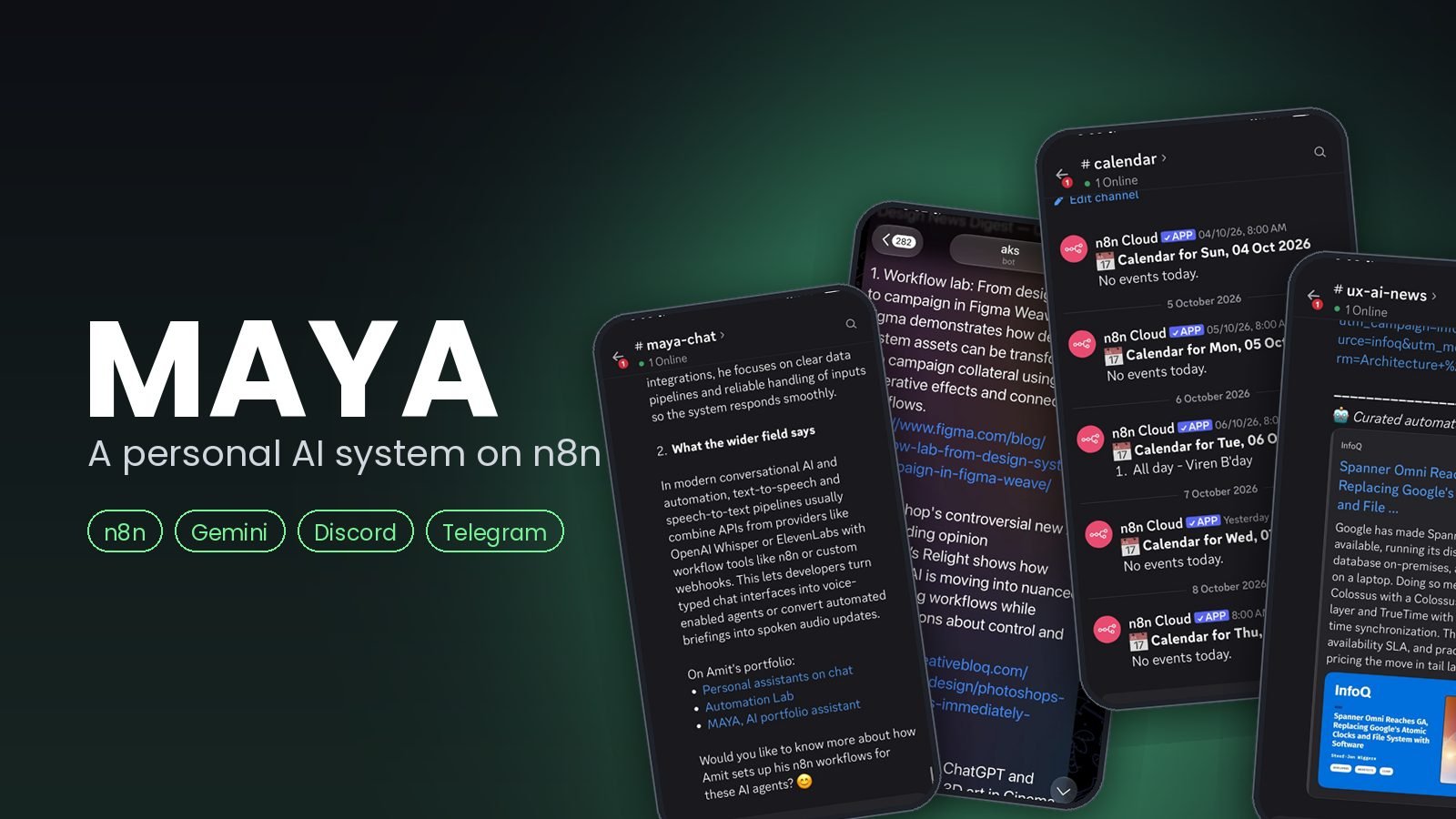
Seven n8n builds on one hub: a portfolio chat assistant, an interview-prep web app, a daily design digest, inbox triage, a morning briefing, two chat agents and a Claude to Gemini image pipeline. Results land in Discord, Telegram and Gmail, and most of them run every day.
I'm open to design leadership roles. Send me a note and I'll reply within two working days.